


01. Slide Background
Every slide includes a background, which can be a picture or solid color.
Step 1
To change the background click on the label bar and in the layer window select the style tab.
Step 2
Choose a source from the background top tab then upload an image or pick a background color.

02. Build & Design
Build any layout with layers and customize your designs limitlessly.
Step 1
To add a layer, click the green plus button in the left sidebar and select the type of layer.
Step 2
Select any layer and you can edit its content and style properties in the layer window.


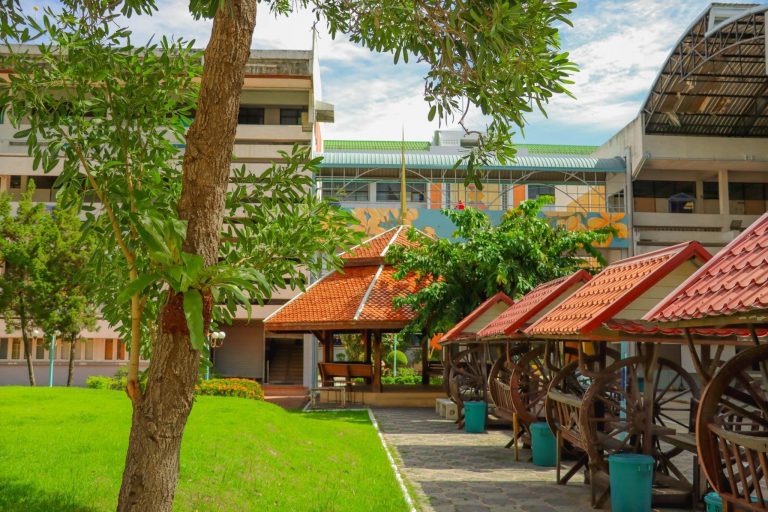
ที่นั่งพักในวิทยาลัยหมายถึงพื้นที่หรือจุดที่จัดไว้ให้สำหรับนักศึกษา อาจารย์…
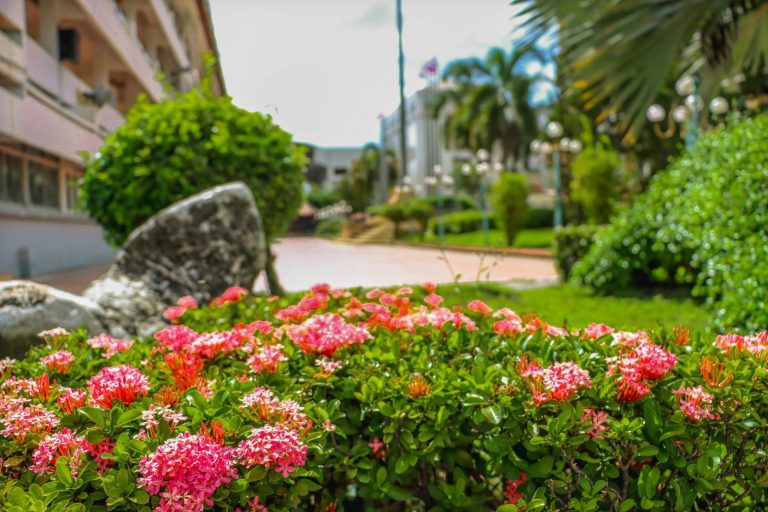
ดอกไม้คือความงามที่ธรรมชาติรังสรรค์ขึ้นอย่างประณีต แต่ละดอกมีรูปร่าง สีสัน และกลิ่นหอมที่แตกต่างกันไป…
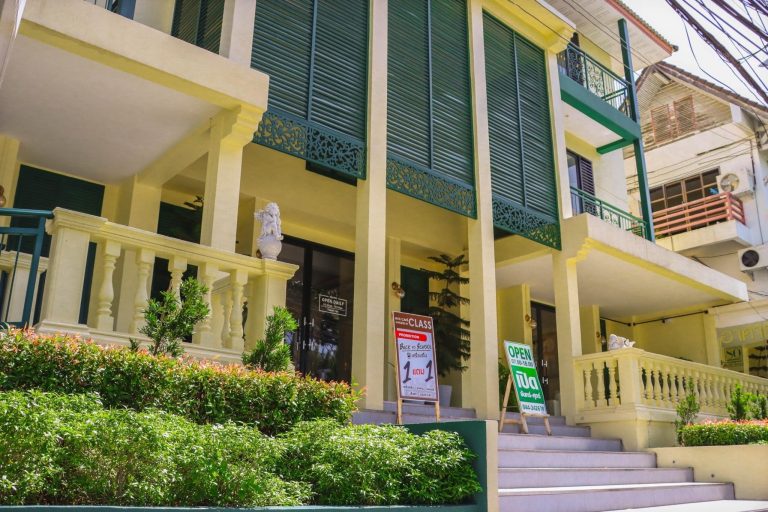
หน้าวิทยาลัย บริเวณหน้าวิทยาลัยถือเป็นพื้นที่สำคัญที่สะ … Read more…
